LYWSD02 BLE Dashboard

Continue on your computer

Connect to your sensor from a Bluetooth-enabled Windows, Mac or Linux computer.

  1. 1

    Open Chrome, Edge or another Chromium browser.

  2. 2

    Visit the same address.

  3. 3

    Turn on Bluetooth, then connect your LYWSD02.

drslid.github.io/LYWSD02_BLE_Dashboard/

Local connection. No account and no sensor data sent to a server.

Automation

Keep every clock on time with Home Assistant

The free LYWSD02 Clock Sync integration sets your clocks automatically, follows daylight saving changes and lets you choose °C/°F, 12/24 h and a time correction. No YAML, no cloud.

Open in HACS
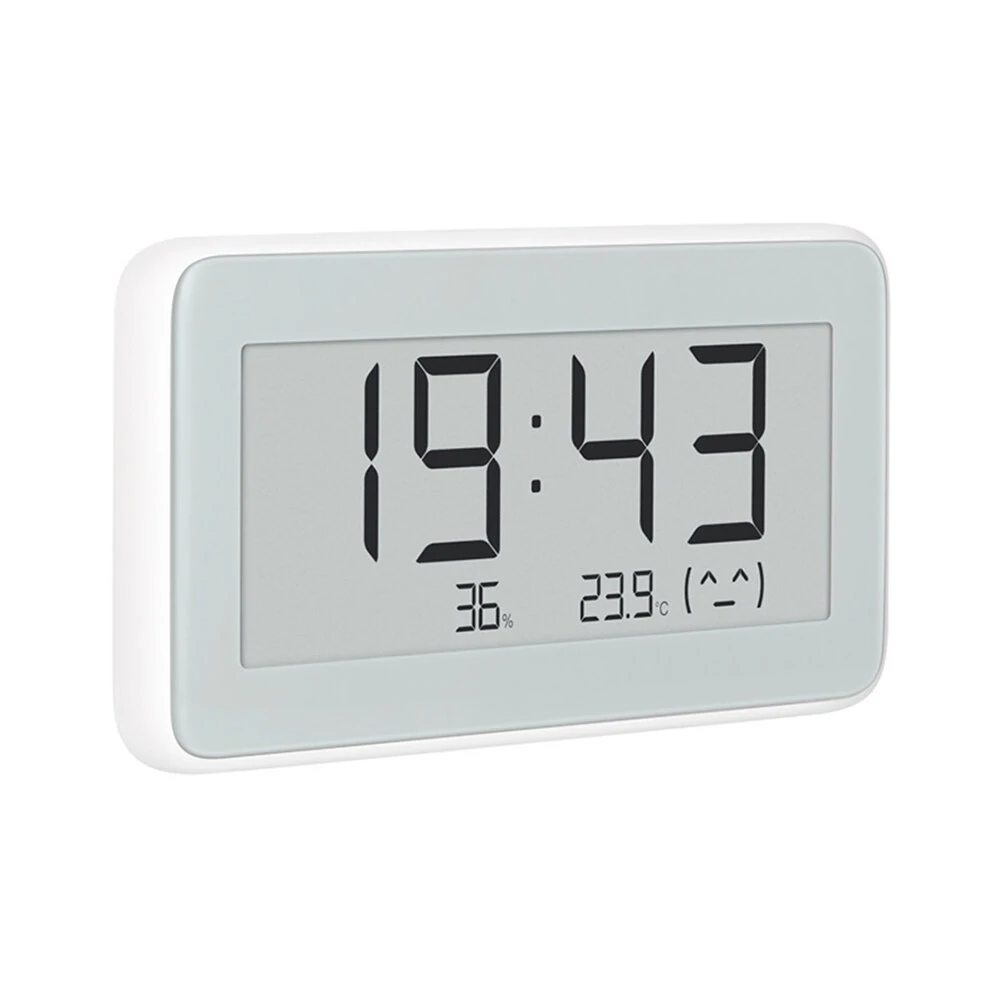
Xiaomi Mijia LYWSD02 Bluetooth thermometer, hygrometer and clock

Sync, tune and get more from your Xiaomi Mijia LYWSD02.

Read live measurements, correct clock drift and retrieve the records stored inside your sensor.

  • Temperature · Humidity · Battery
  • Sync clock

    Automatically correct clock drift over 10 seconds

  • Time format · 12/24 h
    Temperature unit · °C/°F
  • Hourly history

    Export history as CSV

  • Several LYWSD02 devices?

    Connect each sensor once and give it a local name. Its browser ID and last connection are kept on this computer.

Xiaomi Mijia Temperature & Humidity Monitor Clock

Sync, tune and get more from your Xiaomi Mijia LYWSD02.

Read live measurements, correct clock drift and retrieve the records stored inside your sensor.

Local Bluetooth No account No data uploaded
Xiaomi Mijia LYWSD02 Bluetooth thermometer, hygrometer and clock

Automation

Keep every clock on time with Home Assistant

The free LYWSD02 Clock Sync integration sets your clocks automatically, follows daylight saving changes and lets you choose °C/°F, 12/24 h and a time correction. No YAML, no cloud.

  1. 1

    Add LYWSD02 Clock Sync to HACS.

    Open in HACS
  2. 2

    Download it, then restart Home Assistant.

  3. 3

    Accept the discovered clock, or add it yourself.

    Add a clock
  • Every night at 04:00 by default
  • Daily, weekly, monthly or cron
  • Daylight saving fixed within the hour
  • Works with ESPHome Bluetooth proxies

Requires HACS and Bluetooth in Home Assistant: a local adapter or a proxy with active connections. Read the guide

Connection

Active sensor

Disconnected
No sensor selectedBrowser ID pending

Device history

Saved only in this browser
  • No previously connected sensor.
--:--:--

Temperature

--
Current reading0 updates
--:--:--

Humidity

--
Relative humidity
--:--:--

Battery

--
Remaining level

Device time

--:--
Timezone not readDrift --

Display

Clock and unit

Time format

12 h display: LYWSD02MMC only.

Temperature unit

Internal memory

Hourly history

0 records

The sensor stores timestamped minimum and maximum values.

Connect a sensor to read its memory.

Local diagnostics

Activity log

Bluetooth events will appear here.

Local identification

Name this sensor

This name is stored only in this browser.