

Your videos. Your device.
Available on GitHub v1.0.0
Chrome / Firefox · MITOn this page
From the page to your library.
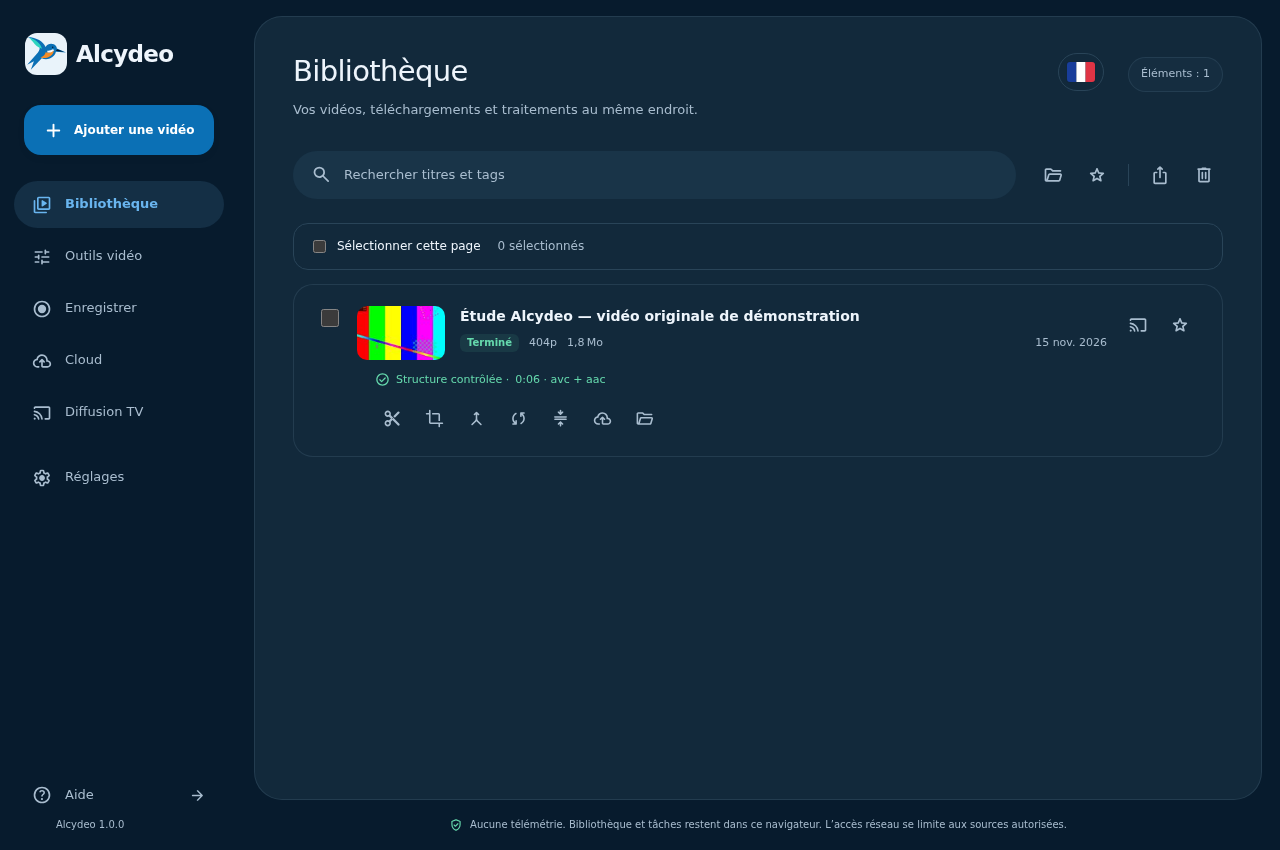
Play a video. Alcydeo checks the available media sources, groups their qualities and lets you save the version you choose. Your library keeps downloads and local tools together.
MP4HLSDASH
Read the guideA small sample is checked before download. This does not validate the complete file. Refresh to test the proposals again.
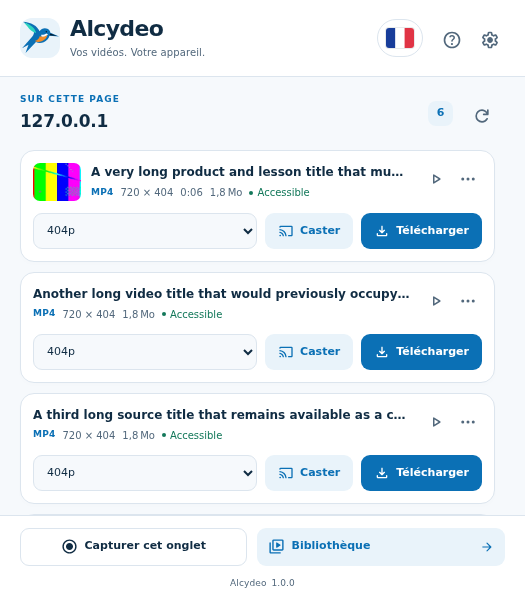
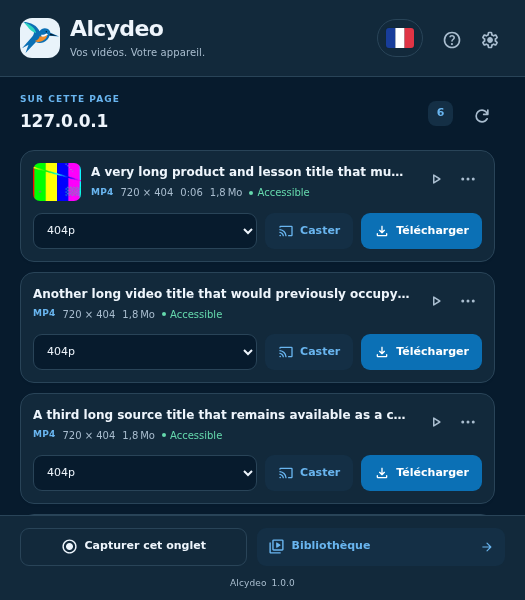
No telemetry. Library and tasks stay in this browser. Network access is limited to sources you allow.
Library
Keep the original. Make it yours.
Trim a moment, crop the frame, put clips in order or convert to MP4. Processing stays on your device, one edit at a time. Each result is a separate file.
Video tools
- Trim
- Crop
- Merge clips
- Convert to MP4
- Compress
Conversion runs one file at a time. After a pause or manager closure it restarts from the saved input.
Settings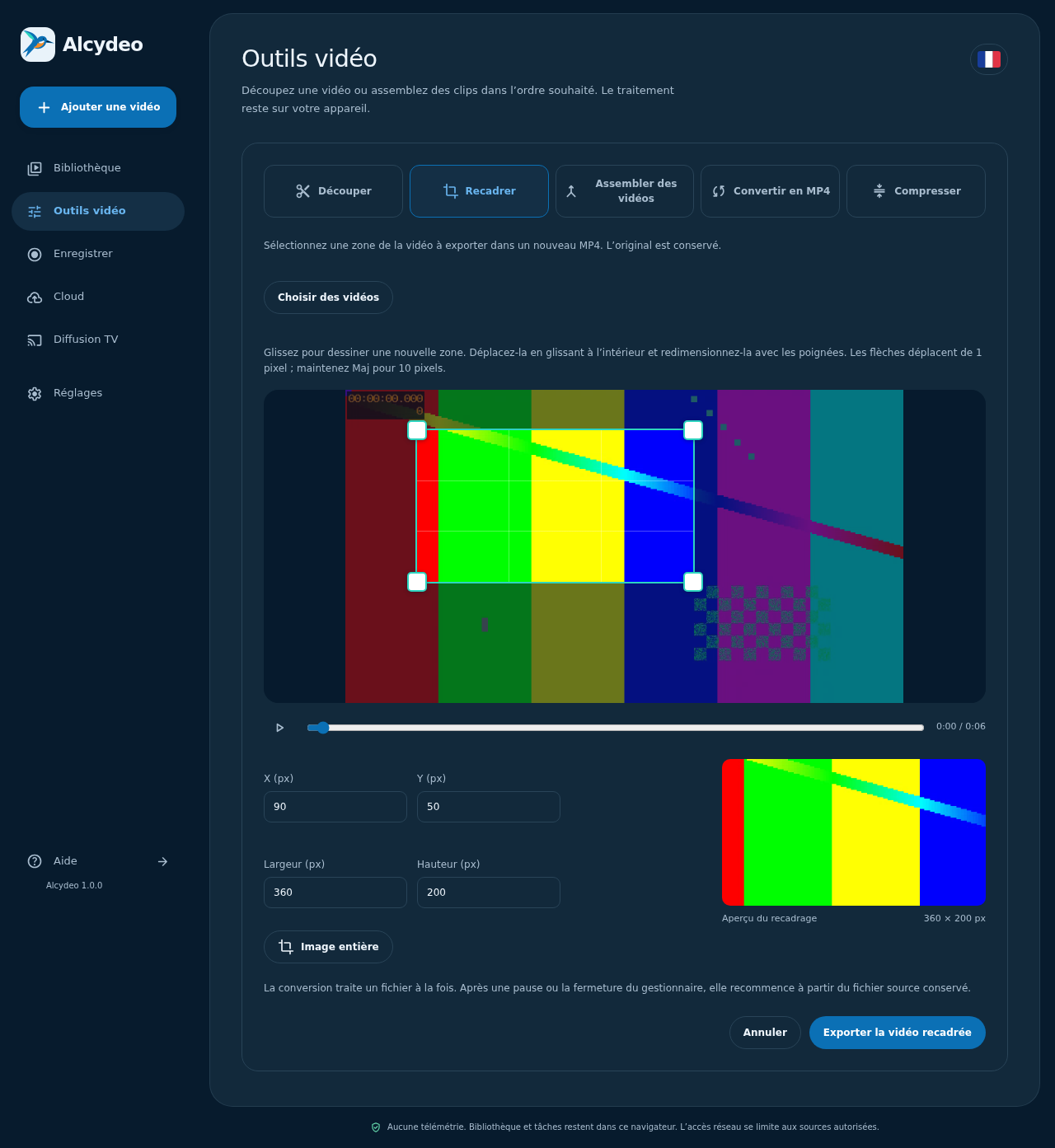
Chrome / Firefox
Your first download starts here.
Choose the desktop Chrome or Firefox package. No Alcydeo account or extra software is required. Neither browser has an official Store listing yet.
Download AlcydeoRead the guideDownload the Chrome ZIP from GitHub Releases and extract it into a folder you will keep.
Open chrome://extensions, enable Developer mode and choose Load unpacked. Select the folder containing manifest.json.
Pin Alcydeo and refresh the video page. Start playback, open the extension and choose an available quality.
Firefox 153+: load the Firefox ZIP through about:debugging → This Firefox → Load Temporary Add-on. It remains installed until Firefox restarts; a permanent installation requires Mozilla signing.
Available on GitHub
Know what to expect.
MP4 / HLS / DASH
Direct files and tested unencrypted HLS/DASH variants are supported. Source access, codecs and storage determine compatibility. Protected media are refused. Allow roughly three times the media size for segmented processing; large-file limits are not universally validated.
Firefox
Firefox 153+ has its own package without YouTube. Chrome tab capture, Google Cast and AirPlay are unavailable in Firefox. Local processing depends on the codecs supported by that browser; the Firefox guide records the tested scope.
Cloud
Gofile, MegaUp, 1fichier and Turbobit sharing, plus pCloud upload links, are optional. Sending requires your click. Provider protocols have local tests; real uploads are not validated. Provider limits and retention apply.
Google Cast / AirPlay
Google Cast remains experimental. The user confirmed one official Google demo on Shield; other sources and private files are not covered by that result. Use Chrome tab casting for local files on Shield. AirPlay is unavailable in Chrome on Windows.