
First steps
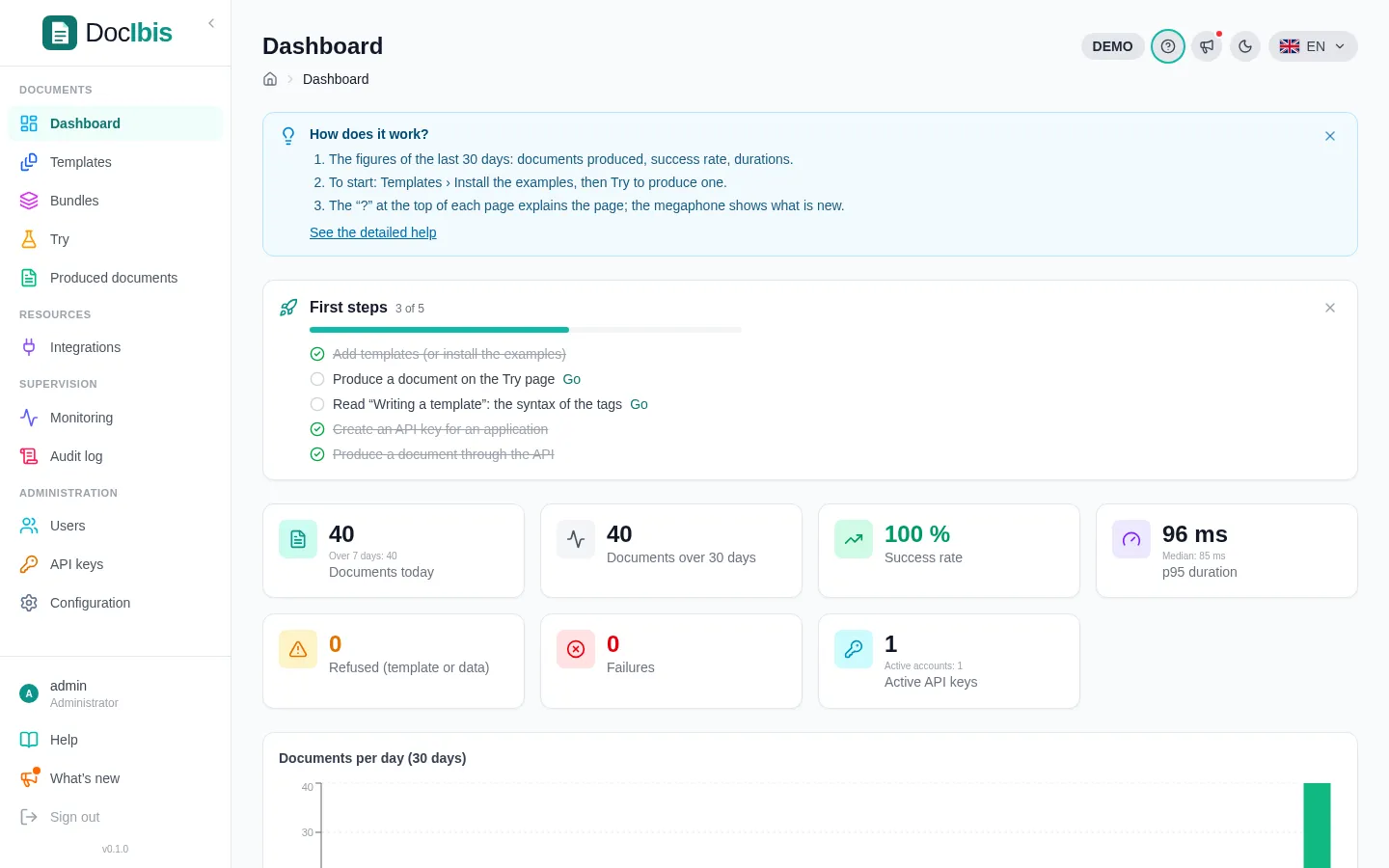
Five steps take you from an empty DocIbis to a document produced by your own application. The dashboard follows them in its First steps card.
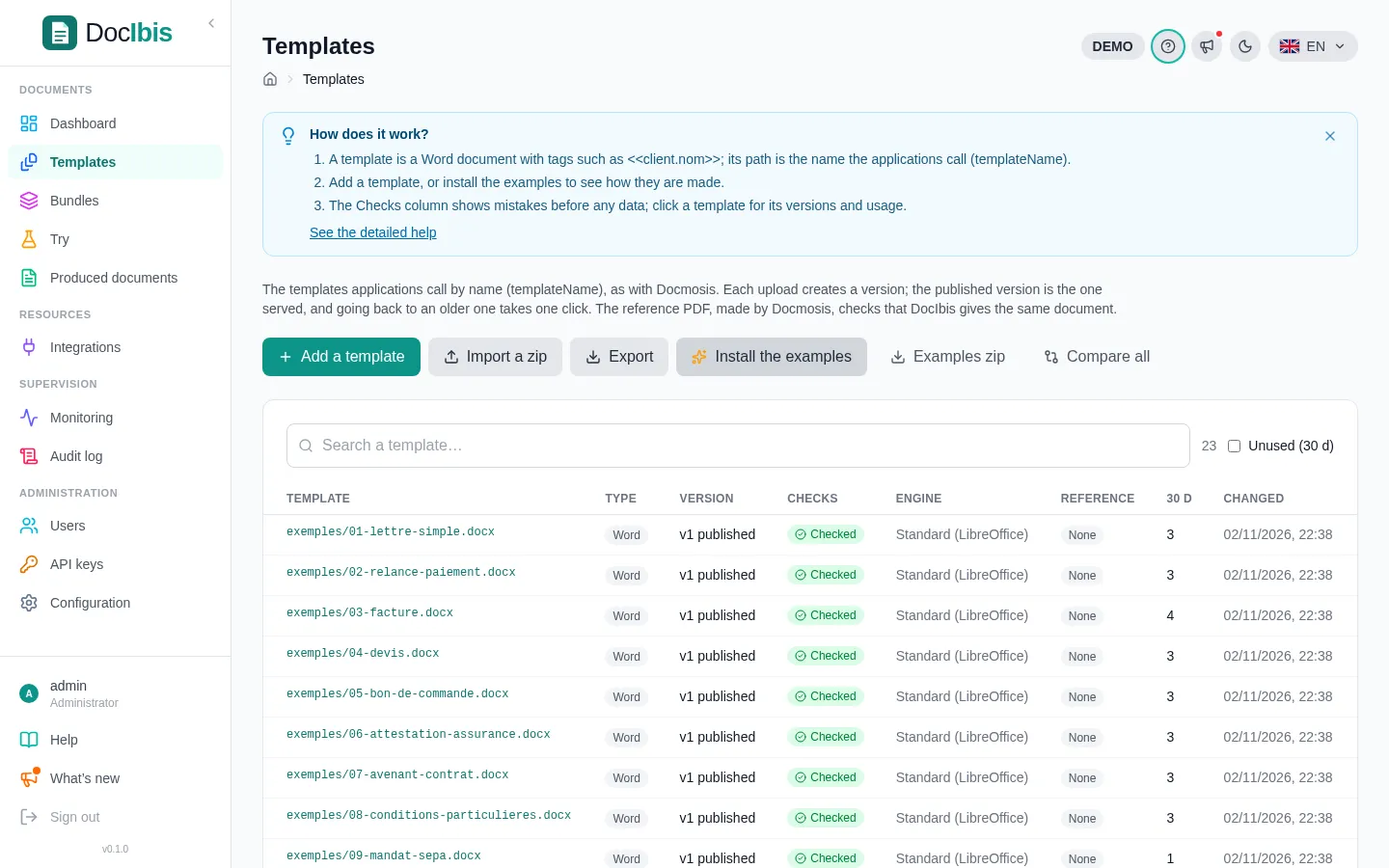
1. Install the examples
Section titled “1. Install the examples”Open Templates and click Install the examples. DocIbis adds 23 sample templates, with their data, in the exemples/ folder: a letter, an invoice, a quote, an order form, a certificate, a shipping label…
2. Try a template
Section titled “2. Try a template”Open Try, pick a template and click Use the example: the form shows its data. Change a value, click Produce the PDF and the document appears next to the form, ready to download.
3. Read “Writing a template”
Section titled “3. Read “Writing a template””Help → Writing a template explains the tags in a few minutes. The short version is in Write a template.
4. Create an API key
Section titled “4. Create an API key”Open API keys and create a key for each application, for example Billing app. Copy the secret now: DocIbis only keeps its hash. A key can expire and has a rate limit.
5. Produce a document through the API
Section titled “5. Produce a document through the API”Each template page shows the call to copy, ready for your application:
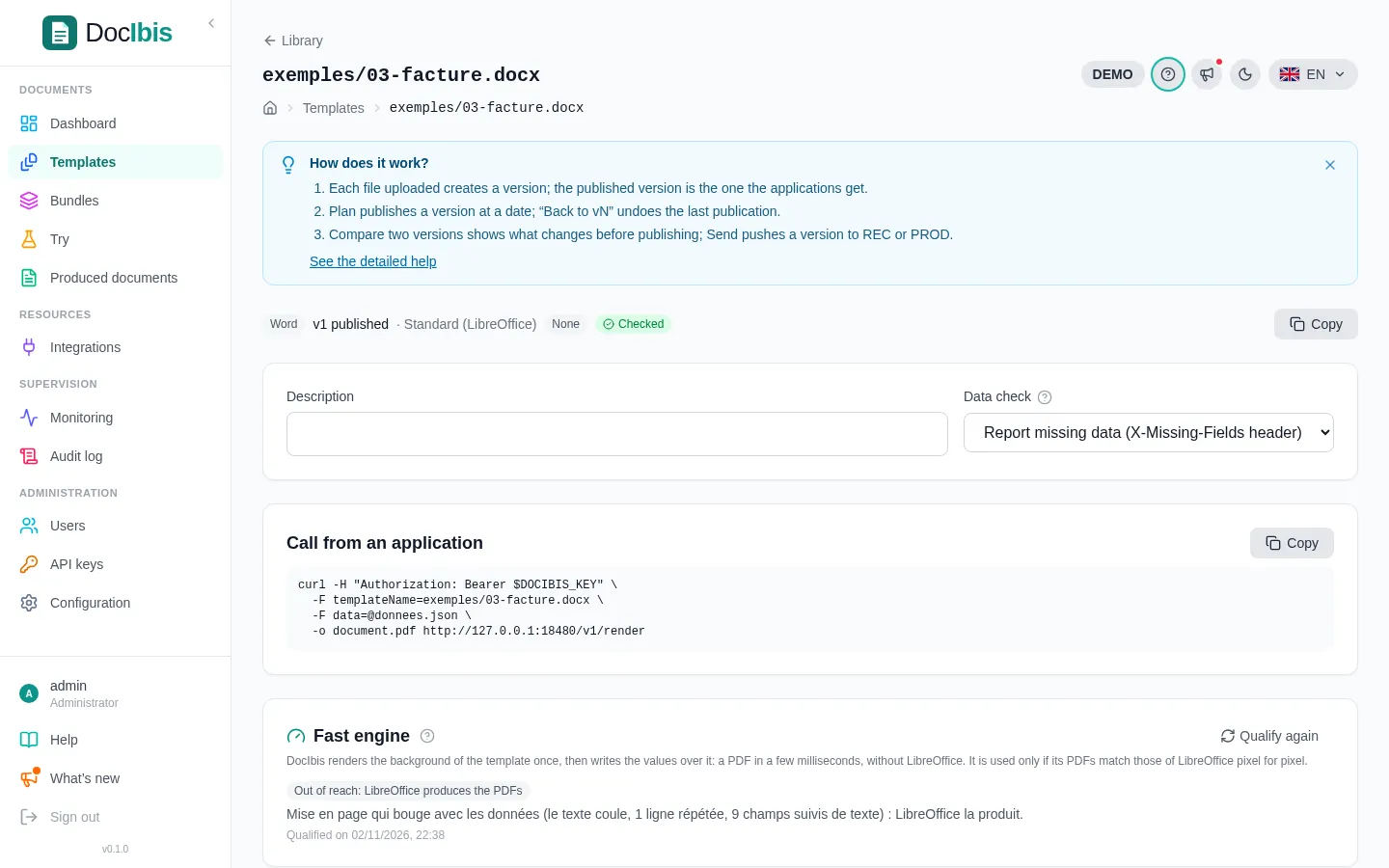
curl -H "Authorization: Bearer $DOCIBIS_API_KEY" \ -F templateName=exemples/03-facture.docx \ -F data=@invoice.json \ -o invoice.pdf https://docs.example.com/v1/renderThe answer is the PDF. Every call then appears in Produced documents and on the dashboard.
Next: write your own template.