
Install
DocIbis runs with Docker on one Linux server. One command installs everything: Docker if needed, the DocIbis containers and their configuration.
What you need
Section titled “What you need”- A Linux server or virtual machine,
amd64(x86-64) orarm64, withcurl. rootaccess, or a user withsudo.- At least 2 GB of memory and 4 GB of free disk.
- TCP port
8080open, or80and443if you give a domain name for HTTPS.
Run the installer
Section titled “Run the installer”curl -fsSL https://github.com/drslid/docibis/releases/latest/download/install.sh | sudo bashThis installs the latest release. For a given version, take its own installer: https://github.com/drslid/docibis/releases/download/v0.2.1/install.sh.
The installer asks two questions:
- The database. Press Enter to keep SQLite: nothing else to install. Choose PostgreSQL 18 in Docker, or give the address of an existing PostgreSQL (15 or later), if you plan several servers. See Configuration.
- The domain name (optional). With a domain name that points to the server, DocIbis gets and renews an HTTPS certificate on its own. Without one, it answers in plain HTTP on port
8080.
It then installs Docker if needed, writes /opt/docibis/.env with generated secrets, pulls the images and starts DocIbis. At the end, it prints the address and a one-time setup code:
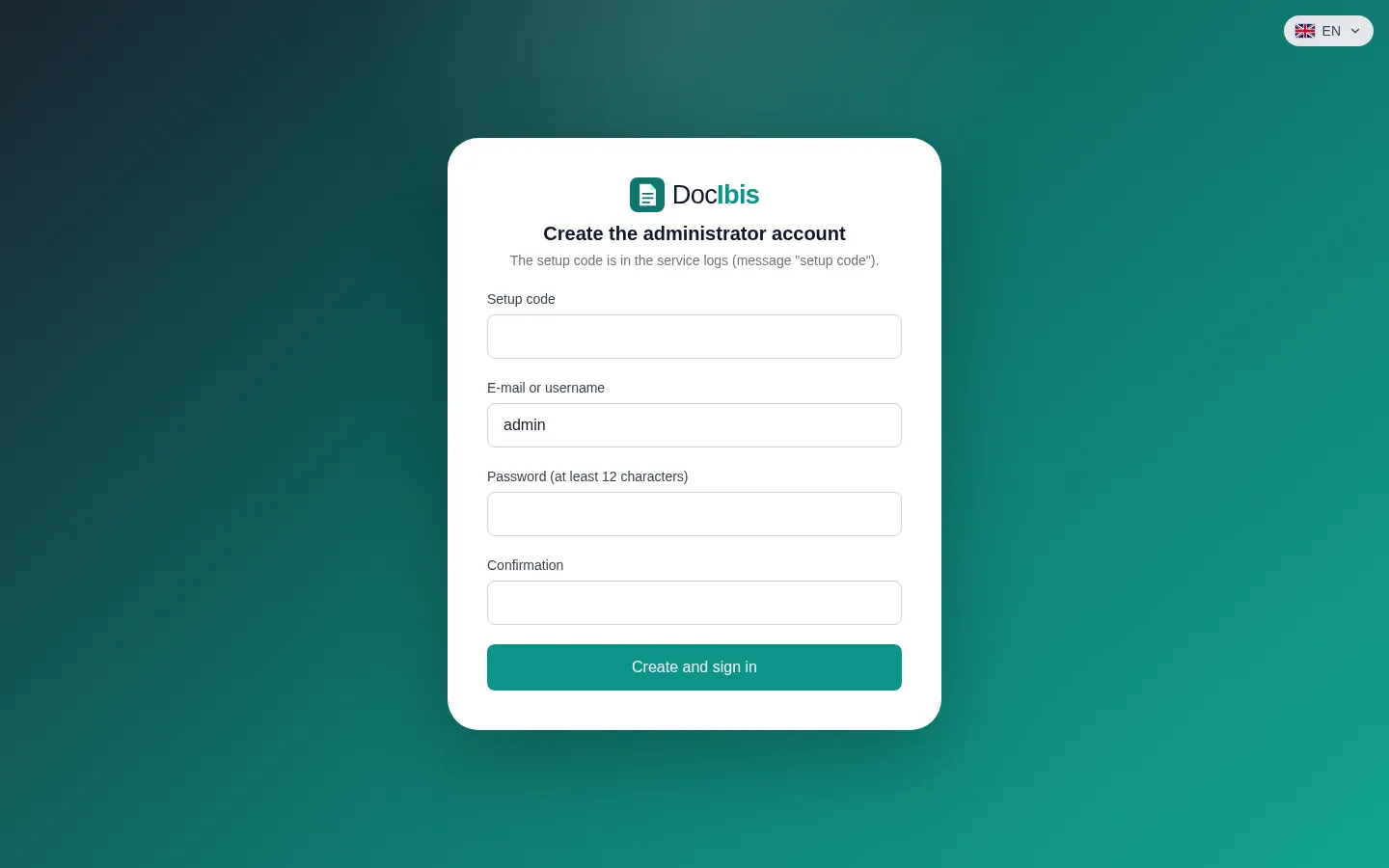
==> DocIbis is running: http://203.0.113.10:8080 Setup code: K7QM-2XV9 Open the address, enter this code and create the first administrator.Open the address and enter the code: you create the first administrator account, then its second factor with an authenticator app.
Install without questions
Section titled “Install without questions”Give the answers as variables, for example PostgreSQL in Docker and HTTPS:
curl -fsSL https://github.com/drslid/docibis/releases/latest/download/install.sh \ | sudo env DOCIBIS_YES=1 DOCIBIS_DB=postgres DOCIBIS_DOMAIN=docs.example.com bash| Variable | Values | Default |
|---|---|---|
DOCIBIS_REF |
release tag, or main for the latest build |
its release |
DOCIBIS_DIR |
installation folder | /opt/docibis |
DOCIBIS_DB |
sqlite, postgres or external |
sqlite |
DOCIBIS_DATABASE_URL |
postgres://… address, with external |
|
DOCIBIS_DOMAIN |
domain name pointing to the server, for HTTPS | plain HTTP |
DOCIBIS_PORT |
HTTP port, without a domain | 8080 |
DOCIBIS_YES |
1: use the variables, ask nothing |
Next: first steps.